
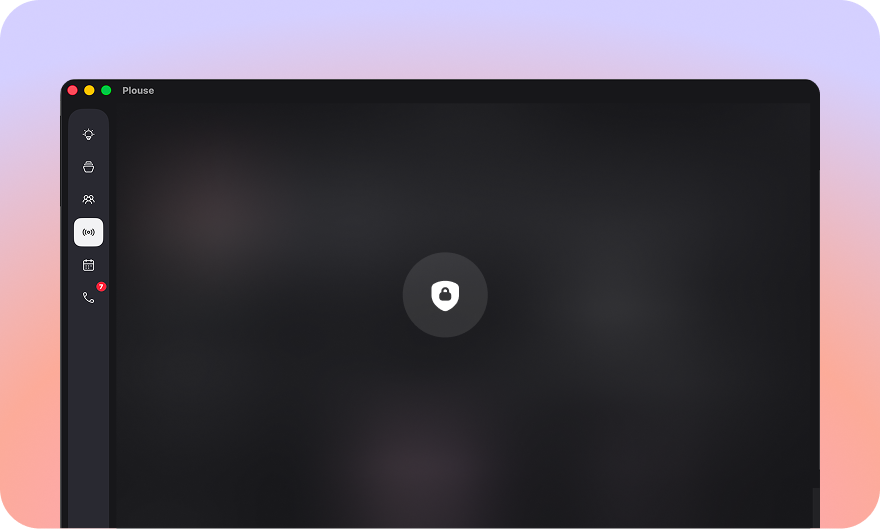
A time tracker sees a lot. Every window title, every app, every document you open, every call you take. Most tools treat that as data to collect. We treat it as data to protect, and the simplest way to protect something is to never let it leave your machine in the first place.
On-device by default
Plouse needs no account and stores everything locally on your Mac. There’s no sign-up, no server holding your day, no dashboard we can peek at. Nothing is sent to the cloud unless you choose it, by sharing team totals, or by pointing Plouse at a cloud AI. The default is simple: your activity is measured on your Mac and stays there.
We strip the sensitive parts
Here’s the part we’re proudest of. On the rare occasion something does go out, when you opt to have a cloud AI help sort your work, Plouse doesn’t hand over your raw day. It genericises the sensitive bits first: labels and email domains pulled from window titles are stripped back, so the model reasons about the shape of your week, not the client names, addresses, or file titles behind it. The AI gets enough to be useful, and nothing it doesn’t need.
That instinct runs through the whole app:
- Block a site, hide the trail. Blocking a URL hides its window title and its time too, not just the address.
- Incognito stays incognito. Private and incognito browser windows are fully excluded, the URL, the window title, and the time (Chrome, Edge and Arc; macOS doesn’t let any app detect Safari’s private browsing).
- Strip titles entirely. You can drop window titles across the board and keep only the app, so even locally, Plouse remembers less.
- Clean diagnostics. If you ever send a diagnostic log, it never includes the details of your calls or documents.
You decide what’s even recorded
The safest data is the data that was never captured. Tracking hours let you pick the window of the day Plouse should watch, anything outside it is never recorded. Block any app or site you don’t want measured, and it simply doesn’t exist as far as Plouse is concerned. Your call on what counts as work.
Teams share totals, not activity
Team features are strictly opt-in. When you join a team, each person’s raw activity stays on their own Mac, only the focus and project totals they choose are synced to the team’s private workspace. And the boundaries are enforced on the server, not just in the app: invite codes stay secret, member identities are pseudonymous, and removing someone actually revokes their access.
What you teach it, you keep
The private Work Memory that makes Plouse sharper over time, your projects, how you sort your time, who you meet with, is a plain, on-device file that belongs to you. Export it to move to a new Mac, import it back, or reset it whenever you like. It never leaves your machine, and it isn’t tied to any AI provider.
Good security isn’t a setting you switch on. It’s a default you don’t have to think about, and with Plouse, that default is “stays on your Mac.”